Multi-factor authentication (MFA) adds an extra security layer during the user sign-in. In addition to username and password, user will be prompted to fill a six digit code from authenticator app in its phone.
MFA in manufacturing facilities might be required if the company belongs to critical infrastructure that should follow the NIS2 cybersecurity directive.
The process for setting up MFA in Offiseek platform is explained below.
User should perform following steps to setup MFA:

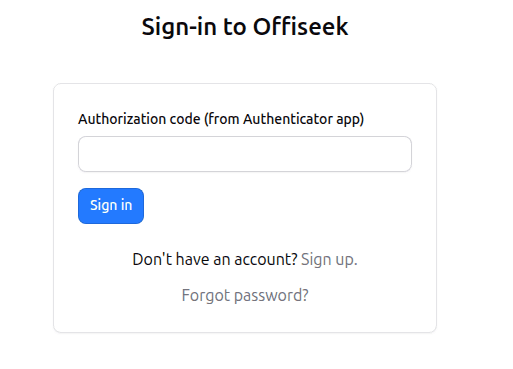
Once the MFA is turned ON, user will be asked to enter a six digit code during sign-in after entering the username and password.
In order to comply with the NIS2 directive, you can also read about granular user permissions that can be assigned on the User management dashboard.
