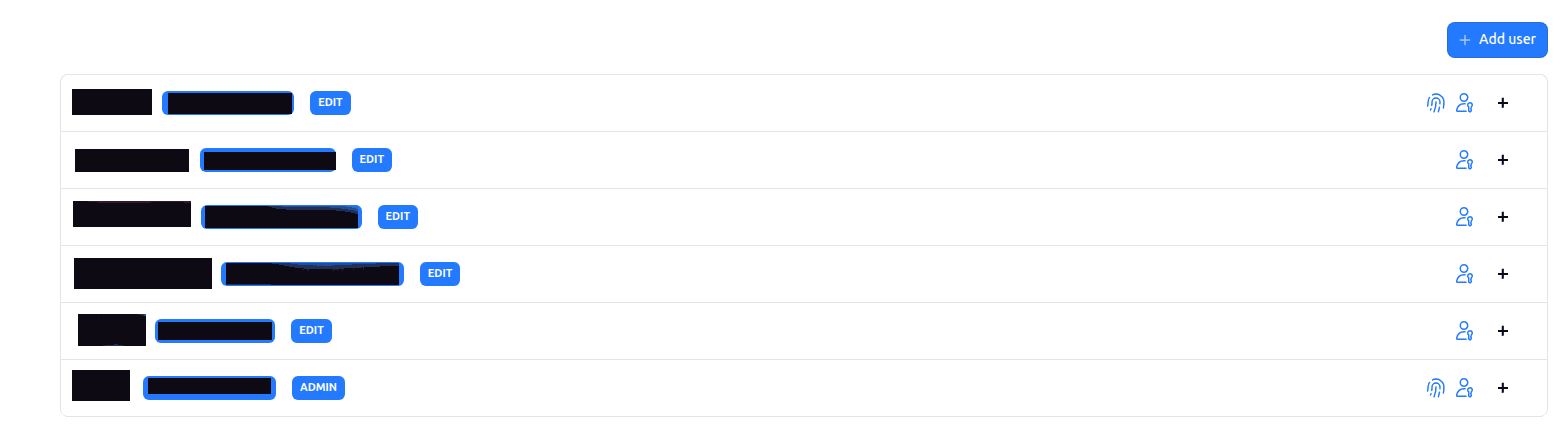
New users can be added on the user management dashboard. Users can be given one of the following roles:
- ADMIN (access to all data, ability to setup organization and add new users)
- EDIT (acces data according to given granular permissions)
- READ-ONLY (readonly access to specific dashboards)
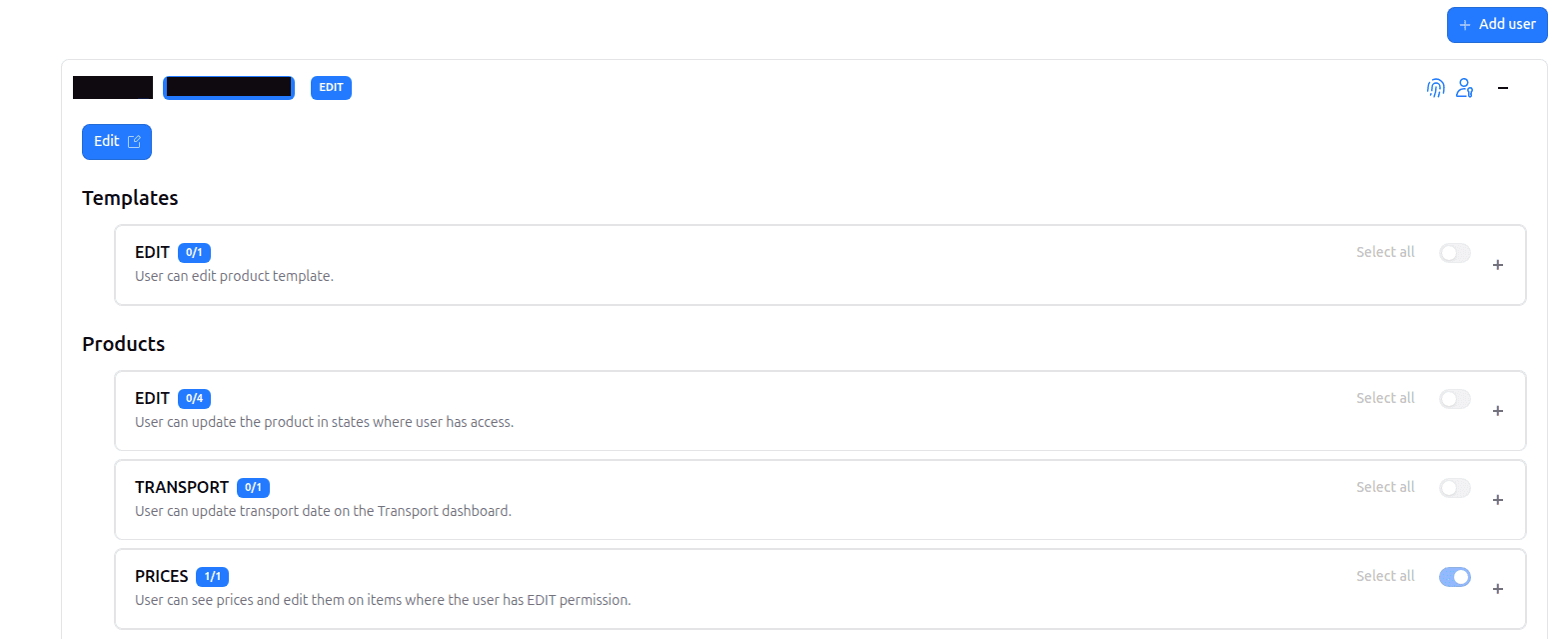
Users can be given granular permissions to specific items or states of items. Below are some examples:
- Sales person can add new products and manage them only in new column
- Production manager can manage products in all columns (new, todo, inprogress and done)
- Operator has read-only access to products and permission to perform quality approval
- Factory owner has read-only permission to the platform
Some organizations might require an extra layer of user security. Users might be required to use Multi-Factor Authentication (MFA) during sign-in. MFA can help with complying with NIS2 cybersecurity directive.